

MartinMueller2003 wrote:
That is the clock pin as defined by this line in the configs#define DEFAULT_ETH_CLK_MODE eth_clock_mode_t::ETH_CLOCK_GPIO0_IN
In this case, GPIO0 is used as a clock input to the ESP. In some cases, that pin can be used as an interrupt or GPIO7 can be used as a clock output to the LAN device.
Given that I'm not experienced, I did some tests and put together a specific configuration.
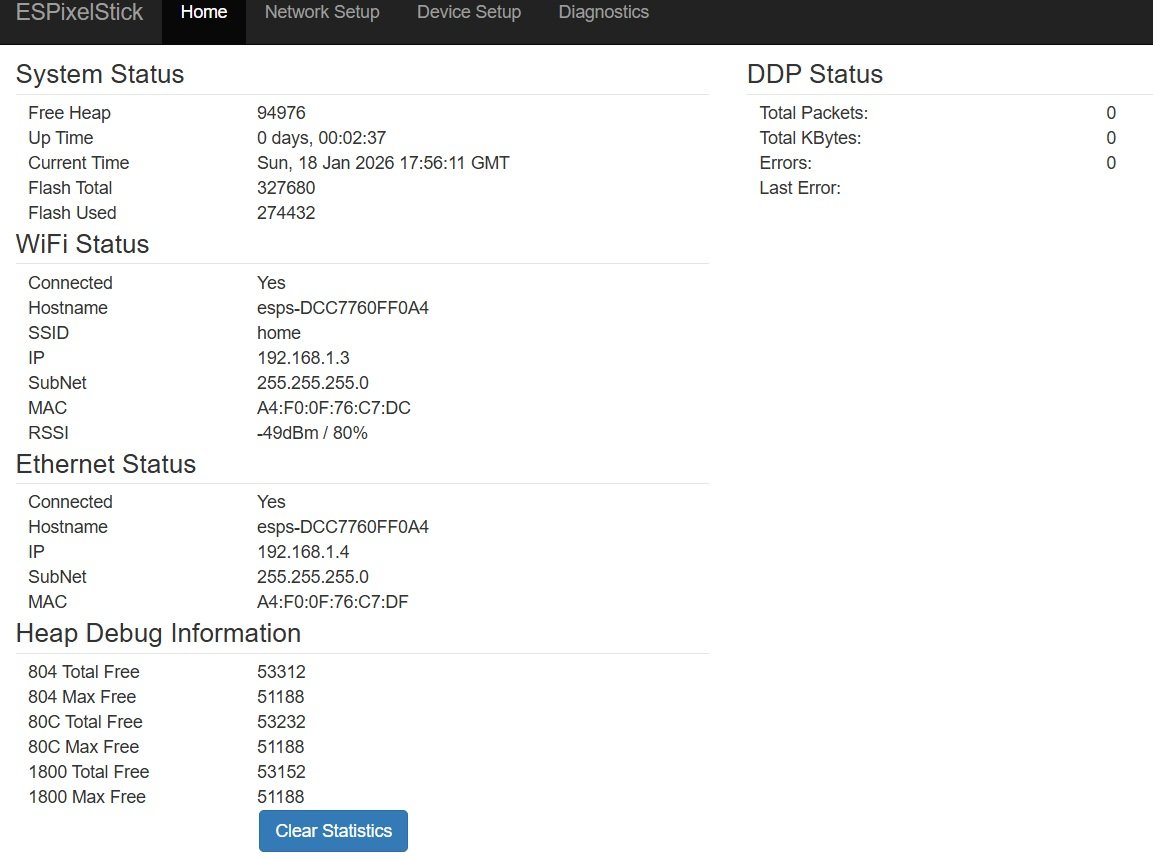
Now Ethernet works, it seems slower than Wi-Fi to me but I read that it's because the ESP processor has to use more memory.
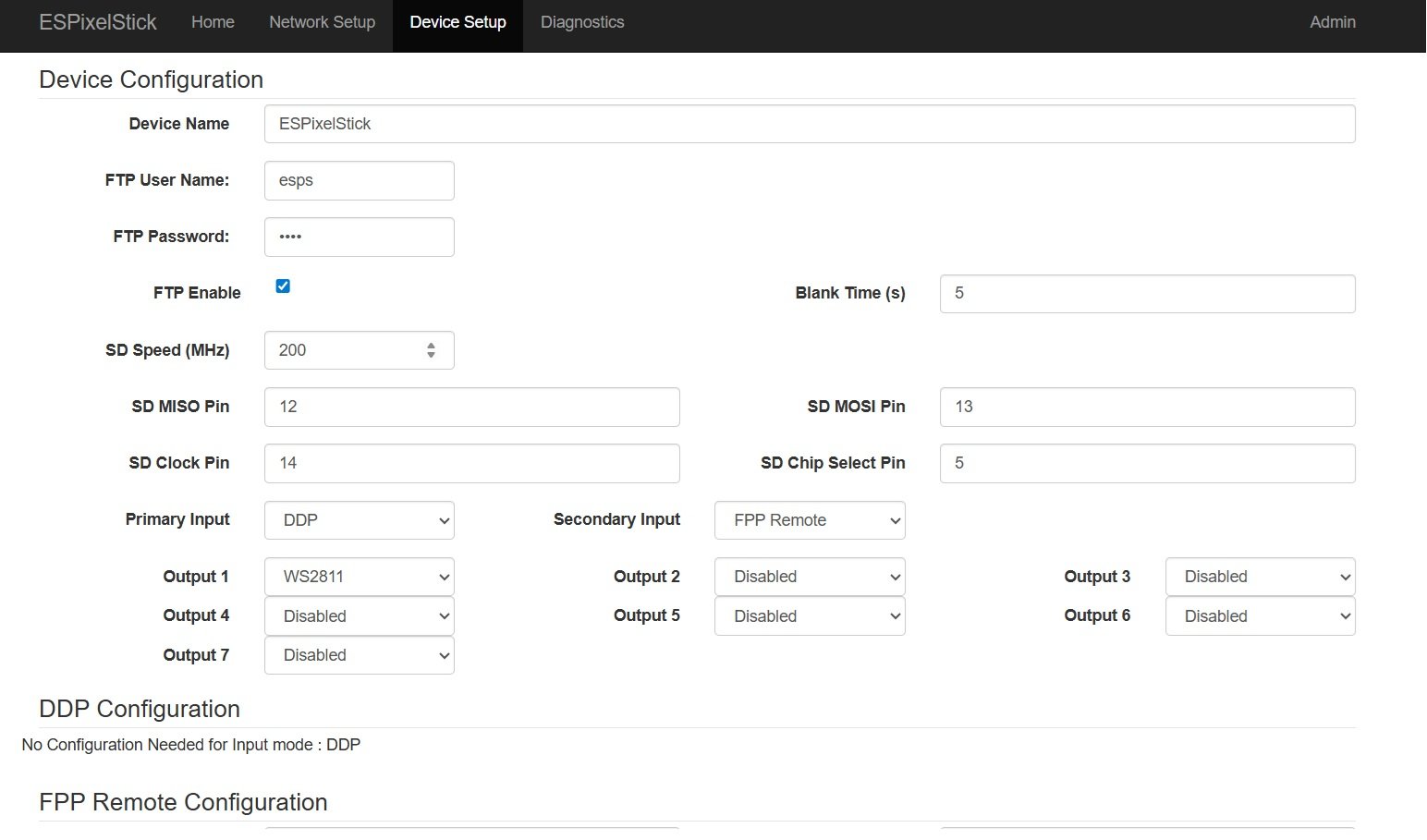
Now the SD card reader won't connect for me anymore:
I’m attaching the configuration I made (txt file); I’m probably doing something wrong.
I want to clarify that in the program I assigned some GPIOs and I also tried changing them directly on the ESP, but it doesn’t read the SD card.

Look at the pin assignments in the GPIO Defs file. I looks like pin 12 is used multiple times. Exactly which platform did you load?
MartinMueller2003 wrote:
Look at the pin assignments in the GPIO Defs file. I looks like pin 12 is used multiple times. Exactly which platform did you load?
I tried to unite GPIO_Defs_ESP32_LoLin_D32_PRO and GPIO_Defs_ESP32_WT32ETH01
1)I tried to create a new platform. I called it GPIO_Defs_ESP32_DevkitV_ETH.
I have placed the platform in the include/platforms folder.
2)I modified the GPIO_Defs file, adding:
#elif defined(BOARD_ESP32_DEVKITV_ETH)
#include "platforms/GPIO_Defs_ESP32_DevkitV_ETH.hpp"
3) I modified the platformio.ini file, adding:
[env:esp32_devkitv_eth]
extends = esp32
board = esp32dev
build_flags =
${esp32.build_flags}
-D BOARD_NAME='"esp32_devkitv_eth"'
-D BOARD_ESP32_DEVKITV_ETH
build_unflags =
${esp32.build_unflags}
4) I have activated platformio_user.ini file
5)uploaded my file with PlatformIO in to Visual Studio
Attach the file here and I will take a look at it. You will need to zip it first
MartinMueller2003 wrote:
Attach the file here and I will take a look at it. You will need to zip it first
This is the file with the .hpp extension that I just created.