

I am having a hard time finding anything on how to setup the piano effect. Any links?
Thanks

Try this...... I saw this when the effect was young....so I don't know how accurate it is now as I haven't used the effect much if at all....just didn't think it looked good on my PMT....anyhow....around the 29 minute point I think it talks piano...

This video is a bit more up to date http://videos.xlights.org/mobile/piano-timing-track-notes-source-in-xlights-201621-video_51d65f38e.html
Thanks - been trying to update the Beat Numbers as in the video. However when I click or double click on the yellow boxed number I cant edit it.
Any suggestions?
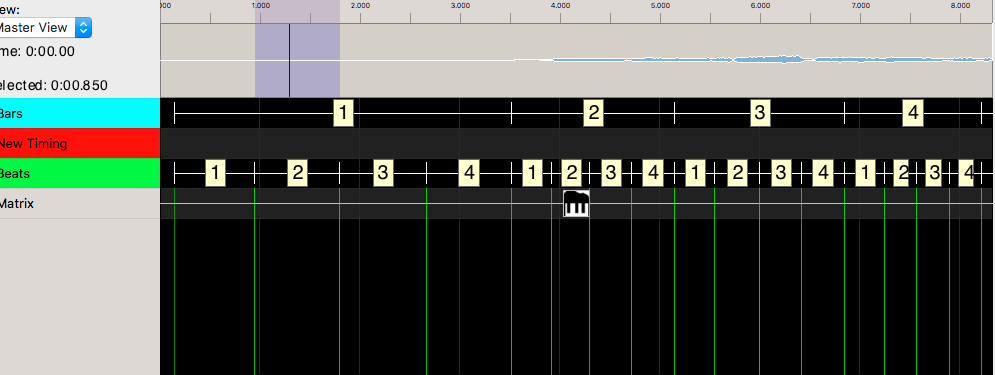
Shift double click.
The method of renaming all the beats without knowing the actual notes seems strange and very time consuming.
Is there anything that can be exported from Audacity and imported into xlights that the Piano effect can "read"?

Have you tried a midi file?
The note track can use polyphonic transcription either internal or from audacity. It can also read midi and music xml ... but best results will always come from manually entering the notes.